
-
×
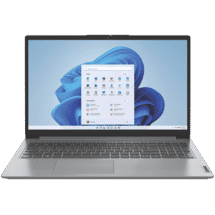
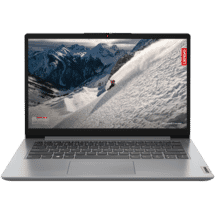 Lenovo IdeaPad Slim 1i 14" Celeron 4GB 128GB +1 Yr M365 Personal Laptop
1 × $359.00
Lenovo IdeaPad Slim 1i 14" Celeron 4GB 128GB +1 Yr M365 Personal Laptop
1 × $359.00 -
×
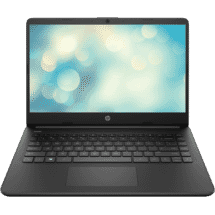 HP 14" Celeron 8GB 256GB Laptop
1 × $549.00
HP 14" Celeron 8GB 256GB Laptop
1 × $549.00
Subtotal: $908.00
**Unlock Your Creative Potential with the Microsoft Surface Slim Pen 2 (Black)** Take your digital creativity to the next level with the Microsoft Surface Slim Pen 2, designed to seamlessly integrate with your Surface device. This sleek and stylish pen is engineered to provide a natural writing and drawing experience, perfect for artists, note-takers, and anyone seeking to bring their ideas to life. With a slim and lightweight design, the Surface Slim Pen 2 fits comfortably in your hand, allowing for precise control and accuracy. The pen's advanced technology provides 4,096 pressure points, capturing every subtle nuance of your strokes. Whether you're sketching, taking notes, or marking up documents, the pen's responsive feedback ensures a natural and intuitive experience. The Surface Slim Pen 2 also features a rechargeable battery that lasts all day, with up to 15 hours of continuous use on a single charge. Plus, with wireless charging capabilities, you can simply place the pen on the back of your Surface device to top up the battery. This premium pen is designed to work in harmony with your Surface device, allowing you to effortlessly switch between typing and inking. With Microsoft's innovative Palm Block technology, you can rest your hand on the screen without interfering with your work. Plus, with support for Microsoft Whiteboard and Microsoft OneNote, you can collaborate and create with ease. Upgrade your productivity and unlock your full creative potential with the Microsoft Surface Slim Pen 2. With its advanced technology, comfortable design, and seamless integration with Surface devices, this pen is the ultimate tool for anyone looking to take their digital creativity to new heights.
| Type: | Operating System |
|---|---|
| Included Licenses: | 1 Device |
| System Requirements: | 1 gigahertz (GHz)orfaster with 2 or more cores on acompatible 64-bit processor or System on a Chip (SoC), 64GB minimum disk space required, 4GB minimum RAM required, High definition (720p) display that is greater than 9 diagonally, 8 bits per colour c |
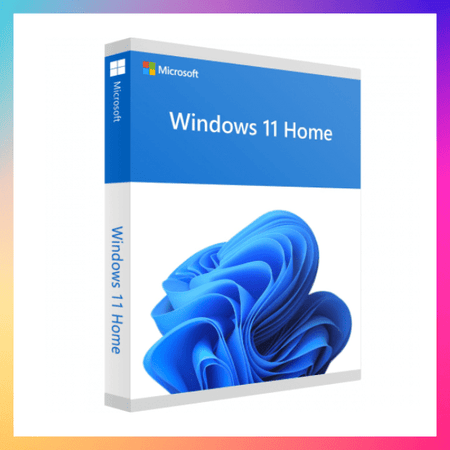
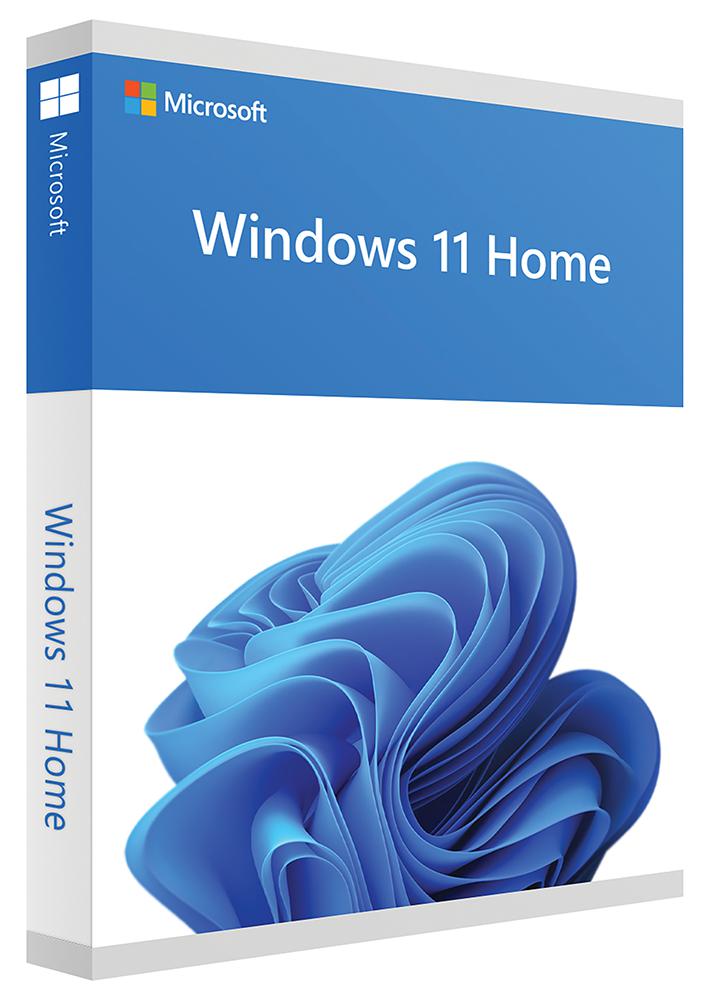
**Experience the Future of Computing with Microsoft Windows 11 Home ESD** Take your productivity and entertainment to the next level with Microsoft Windows 11 Home ESD, the latest operating system from the pioneers of innovation. This Australian edition of Windows 11 Home is designed to provide a seamless and intuitive experience, empowering you to achieve more in less time. **Sleek, Modern Design** Windows 11 Home ESD boasts a stunning new design that's both visually appealing and functional. The revamped Start menu, Taskbar, and Notification Center make it easy to access your favorite apps, files, and settings. The fresh look and feel are not only aesthetically pleasing but also designed to reduce distractions, allowing you to focus on what matters most. **Lightning-Fast Performance** With Windows 11 Home ESD, you can enjoy lightning-fast performance, thanks to advanced hardware acceleration and a streamlined codebase. This means you can quickly launch apps, switch between tasks, and enjoy a responsive experience that keeps up with your busy lifestyle. **Enhanced Security** Windows 11 Home ESD prioritizes your safety and security with advanced threat protection, including Windows Defender Advanced Threat Protection (ATP) and Windows Information Protection (WIP). These features help safeguard your data, identity, and devices from potential threats, giving you peace of mind as you work, play, and explore online. **Why Choose Windows 11 Home ESD?** * Enjoy a seamless and intuitive computing experience * Take advantage of advanced security features to protect your data and identity * Experience faster performance and responsiveness * Access a wide range of innovative features, including the new Microsoft Edge browser and improved accessibility tools Upgrade to Microsoft Windows 11 Home ESD today and discover a more efficient, secure, and enjoyable way to use your computer.






There are no reviews yet.